
Subscription Plans
Periodic quota packages suitable for users with stable usage needs
Subscriptions are periodic packages. After purchase, you enjoy the included quota or privileges for the duration. Click "Subscription" in the left sidebar, or visit /console/subscription directly.
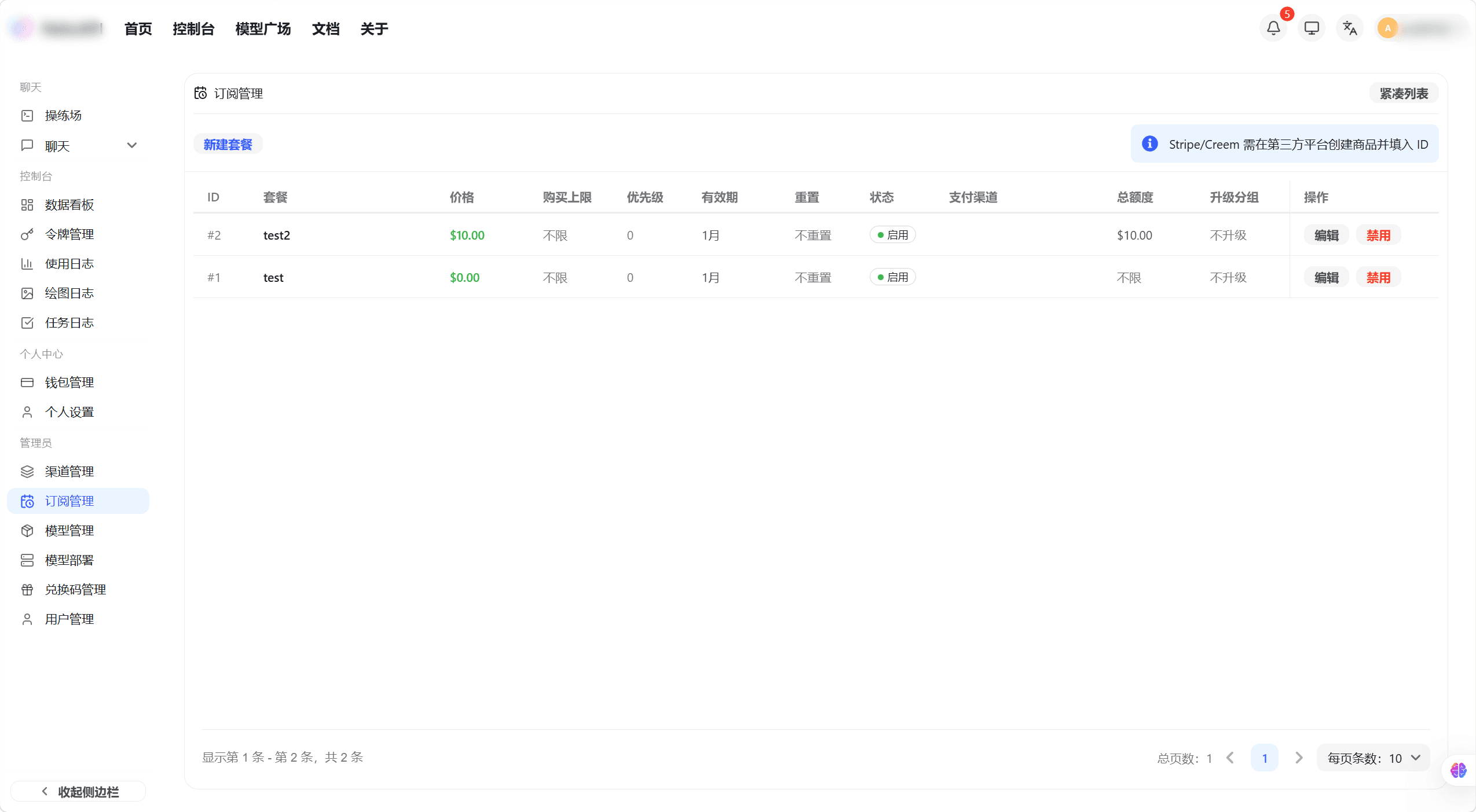
The subscription list displays all available packages, including package name, price, validity period, and included quota.
Subscription packages offer periodic quota bundles available in daily, weekly, monthly, and other cycles.
Purchase a Subscription
-
Browse the available plans on the subscription page and review each plan's price, duration, and included quota
-
Click "Purchase" on the plan you want
-
Select a payment method and click "Confirm Payment"
-
After payment, you are redirected back automatically and the subscription status updates to active
View Current Subscription Status
After purchasing, the top of the subscription page shows your current plan details:
- Plan name and expiration date
- Remaining quota in the plan
- Auto-renewal toggle: set whether to renew automatically when the plan expires
How is this guide?
Last updated on